
Learn how housebuilders and property developers can connect systems, reduce manual admin and automate enquiry to estimate with one tailored operating platform the.
Housebuilders and property developers workflow automation: What Breaks Daily
Housebuilders and property developers face relentless operational challenges. From managing plot progress and buyer selections to coordinating subcontractors and handling defects at handover, the workflow demands precision and agility. Yet, daily reality for many is a fragmented web of spreadsheets, manual updates, paper forms, multiple disconnected software subscriptions, and untimely data. These break points cause delays, errors, and reproductions of work—especially where operational data is scattered across disparate systems.
Inquiries pile up, estimates lag, job scheduling becomes reactive rather than planned, and compliance risks rise with inconsistent record-keeping. Without a connected workflow, vital decisions rely heavily on memory or error-prone files. This fragmented approach drains time, impacts cashflow, and hampers confident communication both onsite and with buyers.
This guide explains how housebuilders and property developers workflow automation can be achieved with one connected, owned operating system tailored to your business. It highlights building from your current tools, replacing costly subscriptions with owned modules, and carefully selectively applying AI capabilities where they add value without removing human control.

The Cost of Manual Work in Housebuilding and Property Development
Manual processes cost housebuilders and developers in several critical ways:
- Time wastage: Teams spend hours updating multiple records, chasing approvals and liaising via email or phone.
- Errors and omissions: Manual entry leads to miscommunication, inconsistencies, data loss and costly rework.
- Compliance and safety risk: Incomplete safety and competency records risk inspections and harm reputation.
- Cashflow impact: Delays in progressing plot milestones and invoicing slow cash inflows and reduce visibility on profitability.
- Subscription overload: Multiple SaaS tools lead to overlapping features, rising costs and fractured data.
- Decision delays: Lack of single, trustworthy data slows management decisions and responsiveness to market or site changes.
Statistics show that homebuilders using automation tools can save an average of 12 to 20 hours per week, freeing staff to focus on value-added activities. The key lies in connecting the whole enquiry-to-estimate, plot-progress and defect-handling workflow within one reliable, owned operating environment.

Enquiry to Estimate Automation Streamlining
Bottlenecks Caused by Manual Quote Handling
Every unstructured enquiry that arrives—via phone, website or email—often requires manual qualification, data entry, and chasing missing details. This slows down estimate preparation, delaying pricing decisions.
Connecting Enquiry Data into a Unified Workflow
Using a connected enquiry record, automated routing can ensure completeness and promptness. Rules can trigger follow-up reminders and integrate with estimating modules so specifications and client choices update automatically.
Examples of Useful Integrations
Your existing CRM or contact system can import lead details; a purpose-built estimating module replaces disconnected spreadsheet pricing. External tools such as Microsoft Outlook or Teams can handle communications but remain integrated via APIs.
Case Example: Automated Quote Follow-Up
A developer receives a plot enquiry email. The enquiry module extracts key data, checks for missing info, and automatically emails a buyer questionnaire. Once completed, the estimating tool drafts a specification and pricing for internal review, visible on a dashboard.
Controls and Safeguards
Human approval is mandated before formal quote issue. Exception flags highlight ambiguous specifications or site constraints requiring specialist input. This preserves control and mitigates pricing errors or contractual misrepresentation.

Plot Progress Tracking and Automation
Real-Time Progress Updating Challenges
Construction workflows depend on timely updates—foundation laid, build frames erected, utilities connected—but often rely on paper reports or siloed site management apps.
Centralising Site Data for Operational Decisions
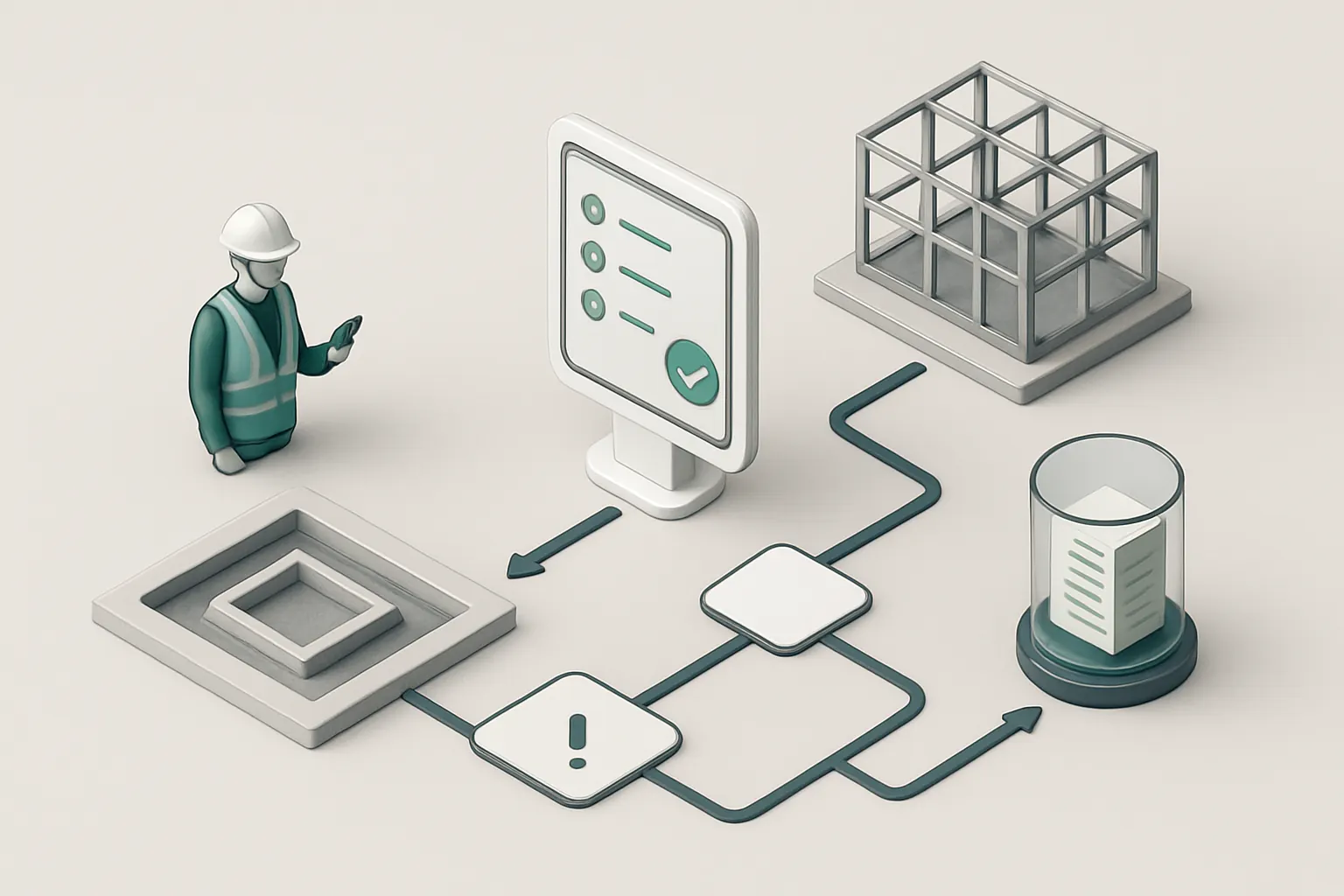
A connected build record continuously updated via mobile input combines site evidence, photos, and certifications in one place. Automated checks compare progress against schedule with alerts for deviations.
Diagramming Useful Data Flows
Integration with supply chain modules tracks material deliveries. Task dispatch tools assign subcontractors, and defect tracking is logged centrally against the plot record.
Live Example: Photo-Verified Milestone Completion
Site teams upload photos and certificates via smartphone. The system cross-checks dates and sends a notification for the next workflow step. If critical documents are missing, prompts are triggered automatically.
Compliance and Override Capabilities
Safety and competency certification records link with the build progress. Any omissions produce exceptions requiring manager acknowledgement before progression is approved.
Buyer Selection and Options Management
Handling Complex Buyer Choices Manually
Buyer selections, such as kitchen styles or flooring, are often managed with paper forms or email chains. This leads to order errors and supply delays.
Digitally Connecting Buyer Choices into Operations
Using a buyer selection module that integrates with procurement and supply planning ensures choices flow directly to ordering and installation schedules.
Handy Integration Points
Integration with supplier portals can automate order placements. Communication apps are used to confirm delivery details with buyers but referenced back in one place.
Practical Instance: Seamless Buyer Choice to Supplier Order
When a buyer submits a kitchen style choice through a portal, the system automatically updates procurement, generates the order, and allocates installation resources, reducing admin overhead.
Approval Checks and Amendments
Change requests from buyers initiate a controlled amendment process with notifications to procurement and project managers for decision-making.

Defect and Handover Workflow Automation
Manual Snagging Processes Cause Bottlenecks
Recording defects at handover is often done with paper logs or standalone apps, making follow-up and status tracking inefficient.
Connected Defect Modules Enhance Transparency
Centralising defect capture, management and contractor assignment simplifies communication and resolution tracking, minimizing delays.
Possibilities for Useful External Service Integrations
Communication platforms notify contractors. Digital signature tools capture customer approvals on completion certificates, integrating securely.
Implementation Example: Automated Snagging Reminder and Escalation
A snagging list logged onsite triggers automatic reminders for repairs. Escalations activate if deadlines pass, with daily status brought into a handover dashboard.
Controls: Site Safety and Liability Records
Each defect repair record includes competency verification of the assigned engineer before work begins, supporting compliance and safety standards.

Job Scheduling and Engineer Dispatch Automation
Complexity of Multisite Scheduling
Coordinating subcontractor visits and inspections across multiple plots is often done in shared calendars or ad-hoc calls, leading to conflicts and delays.
Owned Module for Integrated Job Scheduling
With a job scheduling system connected to the plot progress record, dispatchers can see real-time availability, job history, and required certifications.
Specialist Tools That Stay Integrated
Payments for subcontractor work or specialised communication apps remain linked, with data returning automatically to the scheduling record.
Real-World Scenario: Automatic Engineer Dispatch Optimisation
A defect logged triggers a workflow that finds the nearest qualified engineer, checks their schedule, books a visit, and updates all related records for transparency.
Safety and Permissions Oversight
Workforce competency data governs who is authorised to be dispatched. Any exceptions prompt managerial review before scheduling confirmation.

Compliance Documentation and Evidence Management
Fragmented Compliance Practices Create Risk
Health & safety files, competence records, and warranty documents are frequently dispersed in paper or multiple cloud accounts, making audits slow and unreliable.
Unified Evidence Store Linked to Workflows
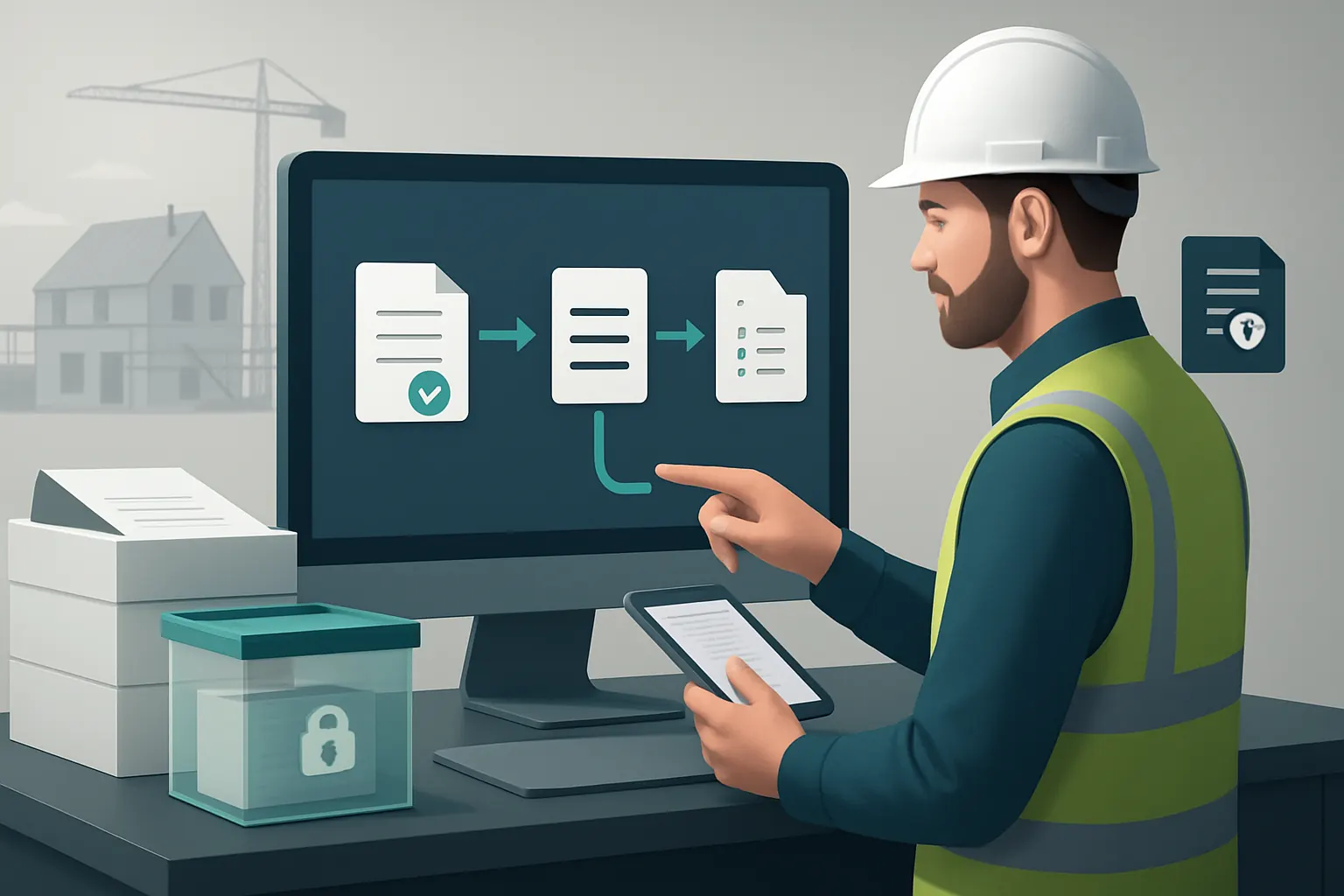
A connected document management system directly attached to each plot or job automatically collects, organises, and timestamps evidence.
Suitable External Document Handling Tools
Secure cloud storage systems are used if fully integrated and controlled under the owner’s governance; otherwise, the owned system captures key compliance notes itself.
System Example: Automatic Certificate Collection Workflow
Once a stage is marked complete on site, the build record requests certifications, requiring upload before the workflow can proceed.
Governance: Ensuring Authorised Access
Access controls restrict document handling to authorised personnel only, with full audit trails available for inspection.
Customer Communication and Status Updates
Manual Updates Delay Buyer Satisfaction
Buyers rely on phone calls or scattered emails for progress updates, which are inefficient and inconsistent.
Integrated Dashboards and Automated Notifications
A buyer portal connected to operational data provides real-time status updates and approved notifications aligned with site milestones.
External Services for Communication Only Where Necessary
SMS or email gateways can be integrated but message content is generated within the owned system to maintain accuracy.
Example: Timely Automated Buyer Progress Alerts
After foundation completion, the system automatically sends an update to buyers, reducing inbound queries and improving trust.
Controls Around Communication Content
Messages are based on approved data snapshots; critical issues require manual review before communication.

Procurement and Supply Chain Coordination
Manual Procurement Causes Delays
Separate procurement systems or spreadsheets often mean supply delays and increased cost due to lack of real-time visibility.
Connected Procurement & Inventory Workflow
Material requirements linked directly to plot specifications and job scheduling reduce over-ordering and shortages.
Integration Opportunities
Supplier portals or purchasing networks remain integrated for specialist or bulk orders with data returning into the owned system.
Practical Example: Automated Material Reordering
When stock for a buyer’s selected finish runs low, automatic requisition is raised aligned to the build schedule, triggering supplier confirmation emails.
Stock and Cost Approval Controls
Procurement limits and budget checks are built in, with flagged exceptions passed to finance or project managers.

Warranty Management and Tenant Onboarding
Warranty Issues Managed Poorly Without Workflow
Tracking warranty claims and handover to tenants often slips through the cracks when no central system exists.
Streamlined Warranty and Handover Workflow
A dedicated module tracks warranty periods, defect resolution, and tenant documentation, all linked to the original plot record.
Essential External Service Integration
Tenant communications through external email or mobile systems remain synced with warranty update records.
Illustration: Automatic Warranty Expiry and Renewal Alerts
As warranty expiry dates approach, automated reminders notify property managers and homeowners for proactive maintenance scheduling.
Controls for Secure Tenant Data Handling
Tenant privacy and data security are maintained in line with ICO guidelines on personal data processing.

Dashboarding and Data-Driven Decision Support
Executive Blind Spots Due to Siloed Data
Without a unified operating data layer, senior managers lack reliable insights for proactive decisions.
Tailored Dashboards Bring Visibility Across Workflows
A single, owned dashboard pulls live data across enquiries, plots, procurement, defects, and finances for clear oversight.
Controlled Use of AI Capabilities for Intelligent Analysis
Selective AI modules assist with prioritising enquiries, summarising site reports, classifying defects, and decision support, always combined with deterministic rules and human approvals.
Example: Daily Plot Progress Summary with Risk Flags
AI highlights plots missing crucial certificates or behind schedule, prompting immediate manager review and action.
Governance: Ethical AI Use and Human Oversight
AI-based recommendations remain advisory. Final approvals rest with authorised staff, aligning with ethical and regulatory guidance.

90-Day Rollout Plan for Housebuilders and Property Developers Automation
Weeks 1–2: Discovery and Foundation Setup
- Map existing workflows and data flows in detail.
- Identify current systems to keep and modules to replace.
- Define key operational pain points with leadership and site teams.
- Build initial central record structures and integrate enquiry-to-estimate modules.
Weeks 3–6: Integration and Core Workflow Automation
- Connect plot progress tracking with buyer selections and procurement.
- Build defect and job scheduling workflows with mobile data capture.
- Implement document management practices tied to job stages.
- Train core teams on new owned systems and workflows.
Weeks 7–12: Expansion, AI Introduction, and Controls
- Roll out buyer communication dashboards and automate notifications.
- Launch warranty management and tenant onboarding modules.
- Introduce selective AI capabilities for classification and summarisation.
- Finalise governance procedures, user access, and compliance controls.
- Monitor usage, collect feedback, and tune workflows for user acceptance.
How AI Implementation UK Can Help You Own Your Automation Journey
Our approach is grounded in creating one connected operating environment tailored around how your housebuilding or property development business works. We don’t advocate for stacking layers of disconnected SaaS products. Instead, we help you:
- Keep and connect your existing useful systems so your teams do not have to abandon valuable tools.
- Replace avoidable software subscriptions with owned workflow modules designed specifically for housebuilding operational needs.
- Centralise operational data into one trusted record and tailored dashboards giving clear, real-time insights.
- Apply AI selectively where it adds measurable benefit—classification, prioritisation, summarisation, and decision support—with deterministic rules for routine tasks and human oversight on critical decisions.
- Integrate only specialist external services such as supplier portals, payment gateways, or communication channels, making sure data flows seamlessly and securely.
Our expertise covers process automation with robotic process automation and data infrastructure preparation to ensure smooth implementations. Explore our approach in detail via our process automation services and build a robust data foundation with our data infrastructure preparation.
To see how a connected, owned system can be rolled out efficiently in your business, consider our platform planning service or review case examples at solution blueprints.
By choosing AI Implementation UK, you take control of your digital transformation journey. You reduce reliance on multiple vendors and subscriptions, lower operational risk, and gain an automation solution that grows with your business—all fully owned and managed by you.
For regulatory best practices on data privacy, visit ICO, and for secure payment handling, see the PCI Security Standards Council. Compliance should always be supported by configured controls and human judgement to maintain standards and mitigate risks.