
Learn how freight forwarding companies can connect systems, reduce manual admin and automate order to dispatch with one tailored operating platform the business.
Freight-forwarding company workflow automation: What Breaks Daily
Freight-forwarding companies seem to face daily hurdles in managing bookings, processing customs documents, and tracking shipment statuses. These operations still rely heavily on manual inputs, disconnected spreadsheets, and siloed software subscriptions that never fully sync. The fractured nature of these workflows often causes delays, lost data, repeated re-keying, and missed compliance checkpoints.
This friction directly impacts client satisfaction and operational efficiency. Drivers and warehouse teams depend on accurate, timely dispatch instructions, yet their access is often limited or error-prone. Finance departments struggle with reconciling invoicing and payments across systems. Meanwhile, critical decisions on exception handling and capacity use lack a single trusted source of truth.
Freight-forwarding company workflow automation that creates one owned, connected record of operations avoids these breakdowns. By matching technology to real-world business processes—not patching together disconnected apps—forwarders can transform order to dispatch workflows and reclaim lost productivity.

Streamline Order to Dispatch with One Connected Flow
Fragmented orders cause dispatch delays and mistakes
Daily, freight-forwarders juggle booking requests, route planning, and driver scheduling across disconnected spreadsheets and messaging apps. This fragmented process causes missed handoffs, under-utilised capacity, and delayed shipment dispatch.
Connected booking and dispatch workspace
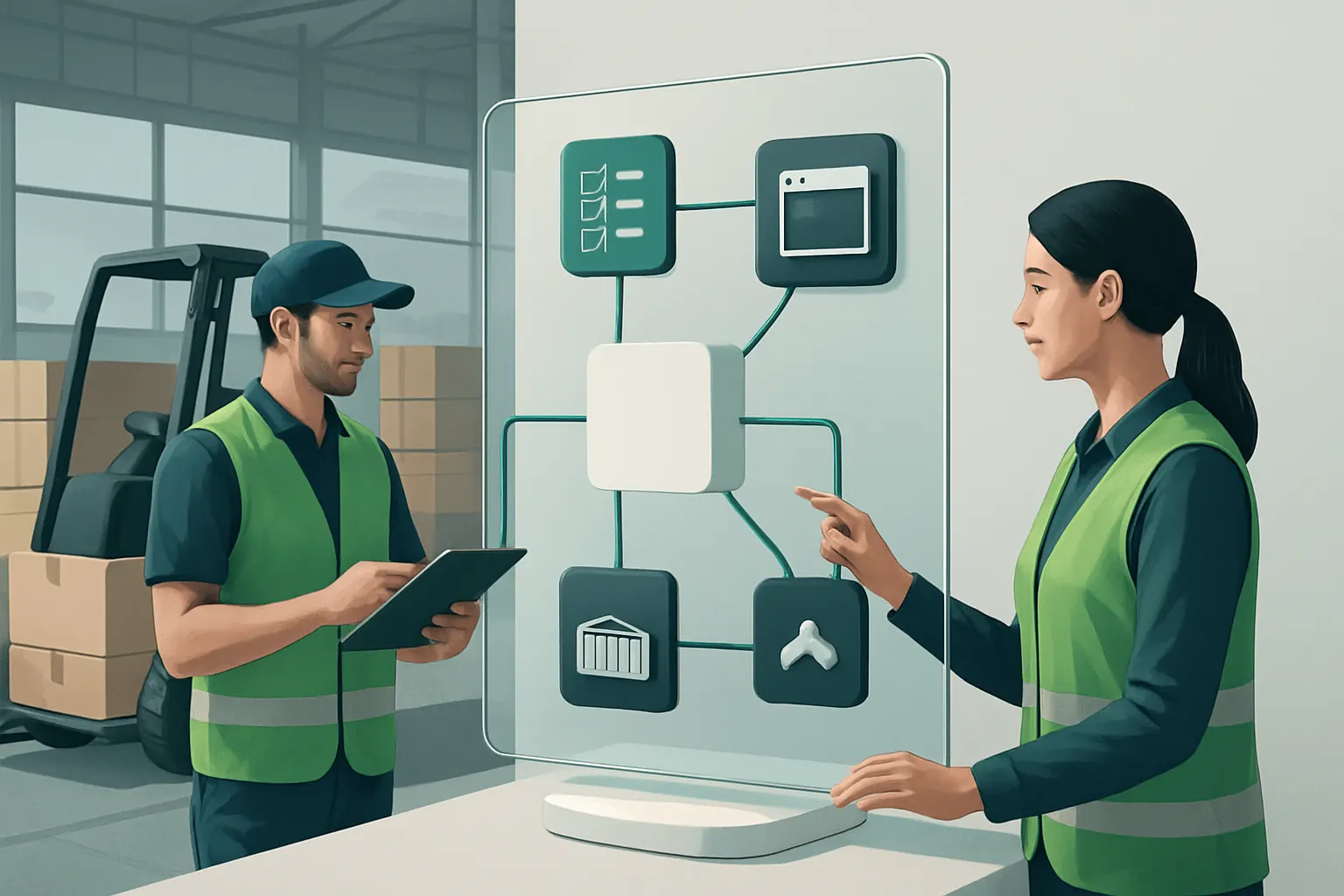
A shared, owned system integrates booking capture, route planning, and driver assignment in one workflow. Instead of emailing updates or juggling spreadsheets, all stakeholders – sales, operations, drivers – access the same live workspace reflecting current activity and capacity.
Useful integrations with existing systems
- Import booking data from CRM or legacy freight forwarding software to retain core customer records.
- Sync driver schedules with workforce rota systems.
- Integrate transport management with GPS tracking for real-time status.
Example: Automating capacity planning and driver instructions
A UK freight-forwarding SME replaced manual booking spreadsheets with an owned booking record linked to a rota module. Dispatcher alerts appear automatically when bookings exceed capacity. Drivers receive precise, digitally signed instructions via a mobile app to maintain chain of custody.
Controls to ensure reliable, compliant dispatch
- Role-based access for staff and drivers.
- Automated exception alerts trigger human review.
- Digitally captured proof of delivery supports audits.

Replace Redundant Software with Owned Modules in Core Operations
Multiplying software subscriptions inflate costs and data silos
Forwarders subscribe to multiple SaaS tools for document handling, quoting, and invoicing but still face duplication. These subscriptions add costs and complexity without assurance of data consistency.
Owned functional modules replace patchwork apps
An owned operating system allows development or configuration of tailored modules handling freight quotes, customs documents, order status updates, and invoicing—eliminating redundancy and preserving data integrity.
Retain specialist external tools where needed
Some services, such as payment gateways or telecommunications APIs, remain external but integrate seamlessly into owned workflows. For instance, payment collection uses a PCI-compliant gateway, while communication channels leverage secure messaging APIs.
Example: Integrating quoting and customs documentation
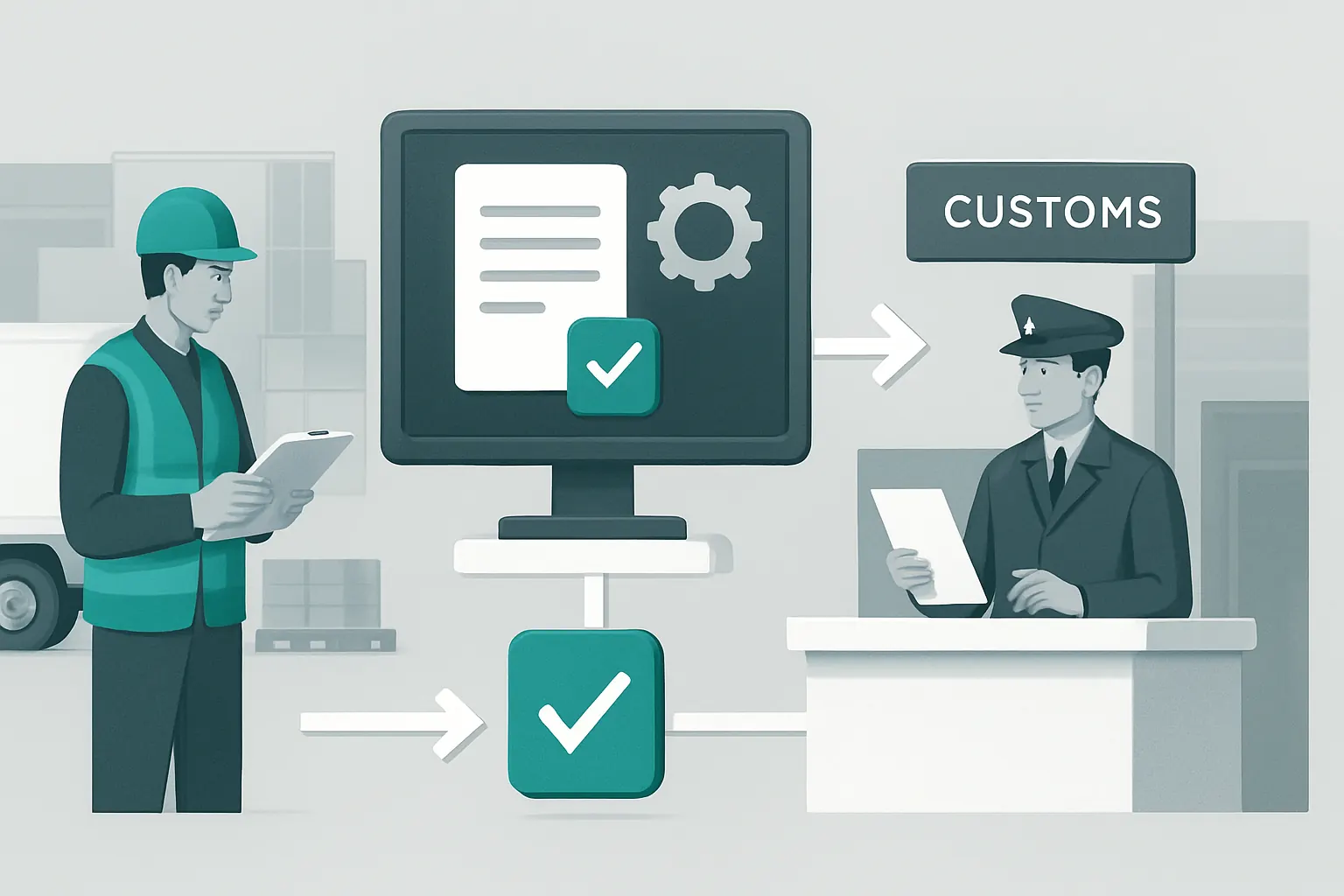
One freight firm deployed an owned quoting workspace that also prepares standard customs documentation. This reduced dependency on external quoting tools and cutting document retrieval time by half while ensuring data consistency throughout export compliance steps.
Built-in governance for module management
- Version control for document templates.
- Configurable approval workflows before quote finalisation.
- Compliance checkpoints with audit logs.
Unify Operational Data into One Reliable Record and Tailored Dashboard
Fragmented data prevents holistic visibility and timely decisions
Operations teams spend hours consolidating operational data from booking systems, spreadsheets, email threads, and last-mile software just to generate shipping reports or track exceptions.
One owned data record feeds real-time dashboards
A single, authoritative data record combines bookings, customs clearances, shipment statuses, billing details, and driver confirmations. This feeds a configurable dashboard tailored to roles—from operations managers tracking dispatch progress to finance teams monitoring invoicing.
Linkages to existing databases and reporting tools
- Import historic shipment data from ERP or legacy databases.
- Export insights into BI tools.
- Dashboards receive live data, ensuring timely exception alerts and performance metrics (e.g., average delivery time, invoice ageing).
Example: Custom dashboard for end-to-end shipment tracking
An owner-operated workspace integrates booking, status updates, and proof-of-delivery data and displays them on a dispatch dashboard. Managers see exceptions flagged by AI-powered summarisation, enabling faster decisions on delays or regulatory breaches.
Controls supporting data integrity and security
- Enforced input validation to reduce errors.
- Granular access permissions per dashboard element.
- Automated backup and audit trails.

Apply AI Selectively for Complex Workflows Without Losing Control
Human workload is highest with document classification, summarisation, and exceptions
Freight workflows include many variable tasks—processing customs documents, summarising customer queries, prioritising delays—where repetitive automation struggles to deliver reliable decisions.
Targeted AI use augments human decision-making
AI modules assist with classification (e.g., sorting shipment documents), summarisation (e.g., generating brief shipment status updates), prioritisation of delay alerts, and decision support. Deterministic rules handle routine tasks, while critical tasks retain human approval.
Specialist AI examples linked within the system
- AI engines trained for customs document extraction.
- Natural language summarisation of email threads into action points.
- Prioritisation engines ranking shipment exceptions by severity.
Example: AI-assisted compliance document triage
A forwarder implemented AI to classify incoming customs documents by type and automatically flag missing information. Staff then review AI-suggested decisions before final submission, supporting compliance work adherence without fully replacing human oversight.
Oversight and audit controls
- Human review required before AI-flagged decisions proceed.
- AI output explainability for quality checks.
- Monitoring for AI drift and retraining protocols.
Connect Existing Specialist Tools While Owning Core End-to-End Workflows
New software stacks often create disconnected islands of data
Adding multiple best-of-breed SaaS tools without integration exacerbates fragmentation. Freight-forwarding businesses need bespoke, owned workflows that connect essential specialist systems only.
Owned workflows bridge specialist external services
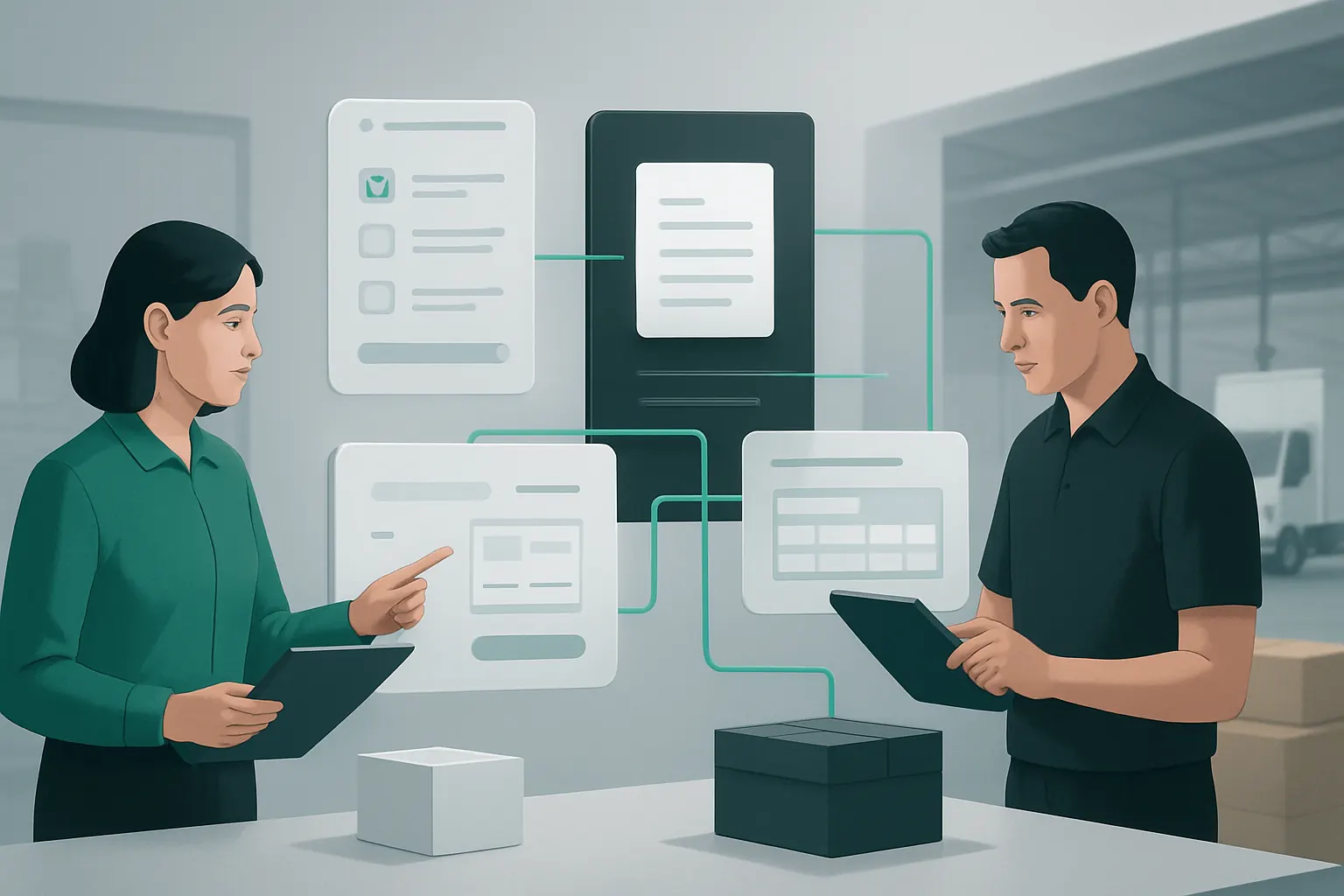
Core booking, planning, and document management are owned and connected. Specialist services that remain external—like global payment gateways or secure communications APIs—are integrated through APIs, preserving a seamless operational flow.
Example: Integrated payments and carrier communication
Payments are routed through a PCI-compliant gateway integrated with the owned invoicing system. Carrier communications use messaging APIs linked directly to the booking record, eliminating disconnected email threads and improving traceability.
Governance of integration points
- Regular verification of API security.
- Data flow monitoring for consistency.
- User permission management extending to integrated services.

90-Day Rollout Plan to Automate Freight-forwarding Company Workflows
Weeks 1–2: Discovery and Design
- Map current workflows including bookings, dispatch, compliance, and finance.
- Identify existing systems and subscriptions for possible replacement or integration.
- Define role permissions and responsible parties for approvals.
- Plan the new connected operating workspace architecture focused on owned records.
Weeks 3–6: Build and Integrate
- Configure or develop owned modules for booking capture and driver scheduling.
- Connect existing CRM, ERP, or tracking systems to central data records.
- Deploy AI models for document classification and summarisation with review controls.
- Set up dashboards tailored to operational roles.
- Integrate external payment and communication services.
Weeks 7–12: Test, Train, Rollout and Optimise
- Conduct user acceptance testing on workflows, dashboards, and AI-assisted processes.
- Train staff on new workspace usage, exception monitoring and approvals.
- Transition live operations from manual or patchwork systems into the owned platform.
- Monitor performance with KPIs such as processing times, exception rates, and invoicing speed.
- Adjust workflows and AI models based on user feedback and operational data.
How AI Implementation UK Enables Freight-forwarding Companies to Connect, Replace and Own Their Operations
Freight-forwarding company workflow automation works best when it respects how the business actually runs—not forcing a round peg into the square hole of off-the-shelf SaaS fragments. AI Implementation UK specialises in delivering one connected operating workspace that you own and control, customised to your freight-forwarding needs.
- We keep the systems that add value today and connect them seamlessly to your new owned workflows.
- We replace avoidable software subscriptions with purpose-built modules, reducing your costs and tech complexity.
- We establish one reliable, flexible record of operational data powering tailored dashboards, alerts and reports.
- We apply AI selectively to assist with variable tasks such as document classification, summarisation, and prioritisation—always preserving human review for sensitive decisions.
- We integrate specialist external tools only when they provide essential services unlikely to be replicated inside the platform, such as regulated payments and secure communications.
Our approach not only reduces manual admin but strengthens your operational governance. Controls are built in at every stage—from driver access to data validation to compliance checkpoints—supporting your ongoing obligations. For freight-forwarding companies ready to move beyond disjointed software and untracked processes, AI Implementation UK delivers a future-proof workspace you own entirely.
Explore how we bring connected automation, owned data control, and selective AI to your freight-forwarding workflows in a tailored plan at plan my platform. Learn more about preparing your data infrastructure for automation at data infrastructure preparation and how to safely introduce AI capabilities through AI strategy roadmapping.
For compliance and data protection guidance relevant to handling freight and logistics data, the UK Information Commissioner's Office (ICO) provides authoritative resources at ico.org.uk. For best practices on payment security, refer to standards from the PCI Security Standards Council at pcisecuritystandards.org.
By investing in an owned, connected operating system designed for freight-forwarding companies, you gain more than efficiency—you gain control, clarity, and confidence in your business processes.
To turn these priorities into one coherent system, map the platform your business needs or explore our workflow automation approach.